Cut the
intros.Keep the
good part.
CompilationCreator turns a channel's videos into one continuous compilation. Choose the uploads, trim each one in seconds, and download a single MP4.
Three steps. One file.
- 01
Pick
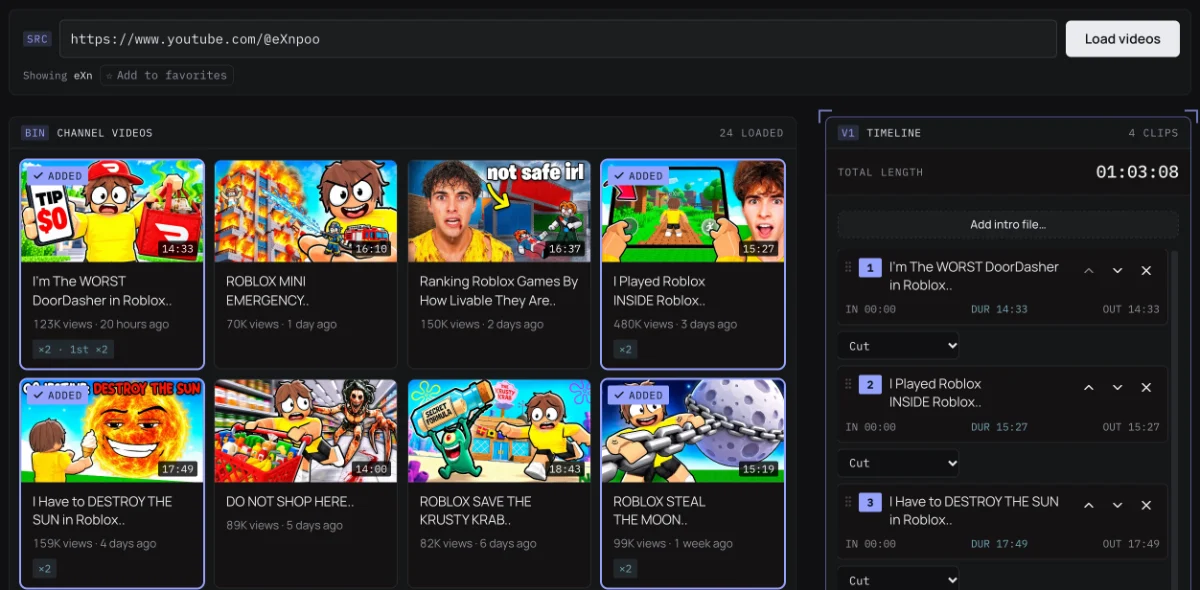
00:01:10Paste a channel link. Its uploads load as a grid, newest first, with how often you have used each one.
- 02
Trim
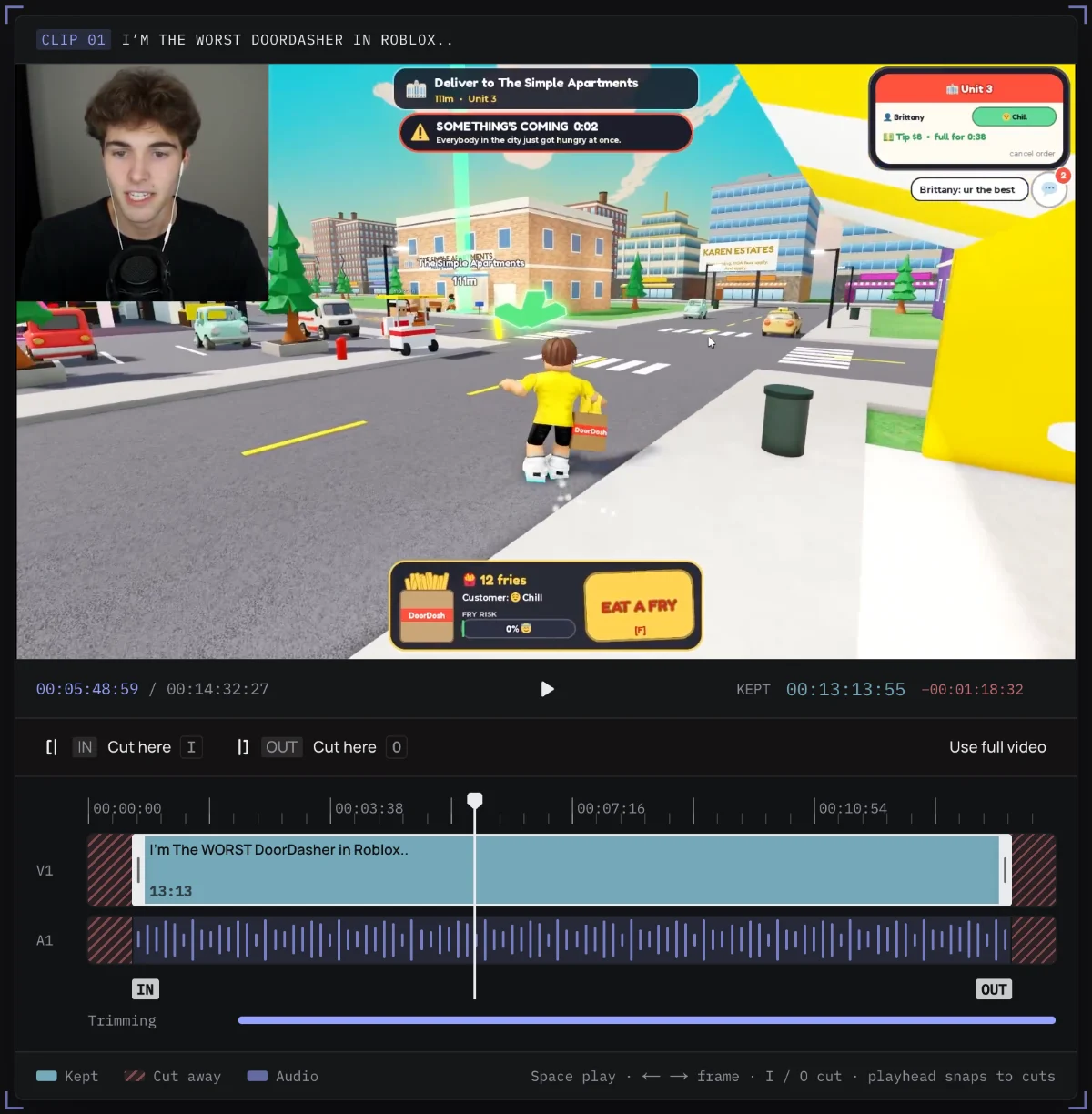
00:01:30Step through every clip in a built-in player. Drag the handles or press Cut here to drop the intro and outro.
- 03
Export
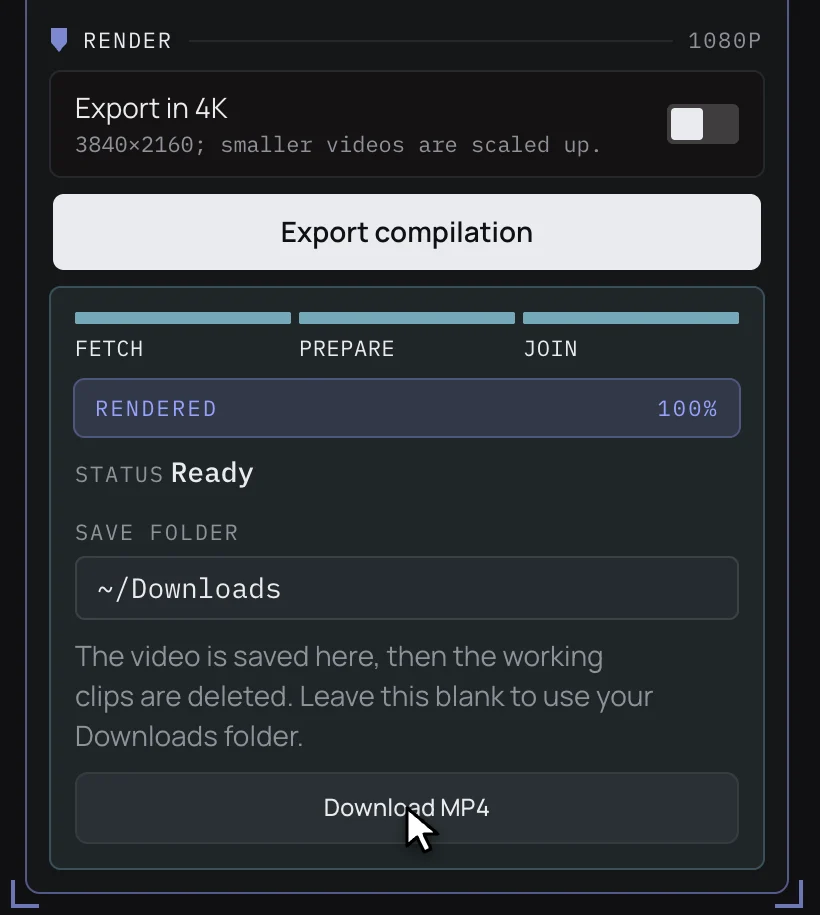
00:01:50One MP4 in 1080p or 4K. Matching clips are joined without re-encoding, so long compilations finish fast.
The limits, up front.
export.settings · MP4
- Clips per timeline
- 100
- Output length
- 4 h
- Resolution
- 1080p or 4K
- Container
- MP4
Buy once. Cut forever.
Buy once, then download the CompilationCreator desktop app and edit on your own computer.
Lifetime
…
one-time
Everything in the studio, yours to keep.
- Unlimited compilations
- Up to 100 clips and 4 hours per export
- Frame-accurate intro and outro trimming
- 1080p and 4K output
- Export history and per-video usage log
- Every update to the current studio
14-day money-back guarantee. How refunds work
Get launch news
One email when CompilationCreator launches, and now and then about big updates. Confirm by email, and leave any time.